

Nudi 4.0 Download is a popular Kannada typing software developed by the Government of Karnataka and Kannada Ganaka Parishat to promote the use of Kannada in digital communication. It allows users to easily type in Kannada on Windows computers using standard keyboards and supports multiple Kannada fonts and layouts.
The transition to Nudi 4.0 marked an era where Kannada typing moved from complex, proprietary encodings toward a more standardized layout. It is designed to remove the friction of Kannada data entry by offering multiple keyboard layouts—including the popular Phonetic (KGP) and Typewriter styles. Whether you are a student drafting a thesis or an office user preparing administrative documents, this build provides a thorough and efficient environment for producing both Monolingual (Kannada only) and Bilingual (Kannada-English) documents. Ready to bridge the gap between legacy files and modern needs? Nudi 4.0 is the reliable benchmark for 2026.
The software is specifically optimized for Windows 11 and Windows 10, though it may require Compatibility Mode (Windows 7/8) for the smoothest installation experience on the latest 2026 OS builds. By utilizing a modernized system tray logic, it allows you to toggle between Kannada and English scripts instantly using the F12 or Scroll Lock keys, immediately providing a professional-grade bilingual workflow. These refinements, combined with its Unicode support, mean the app handles the complex script rendering in the background while you focus on the content.
Top 2026 Review Features: Nudi 4.0
- Kannada Typing Support: Type in Kannada using phonetic and standard layouts.
- Multiple Fonts Included: Comes with a large collection of Kannada Unicode fonts.
- Keyboard Layouts: Supports Nudi, Inscript, and phonetic typing methods.
- Unicode Compatibility: Fully compatible with modern applications and web browsers.
- Easy Conversion Tools: Convert old non-Unicode text into Unicode format.
- Offline Usage: Works without an internet connection.
- Government Certified: Official typing tool recommended by Kannada Ganaka Parishat.
- Lightweight & Free: Quick installation and no registration required.
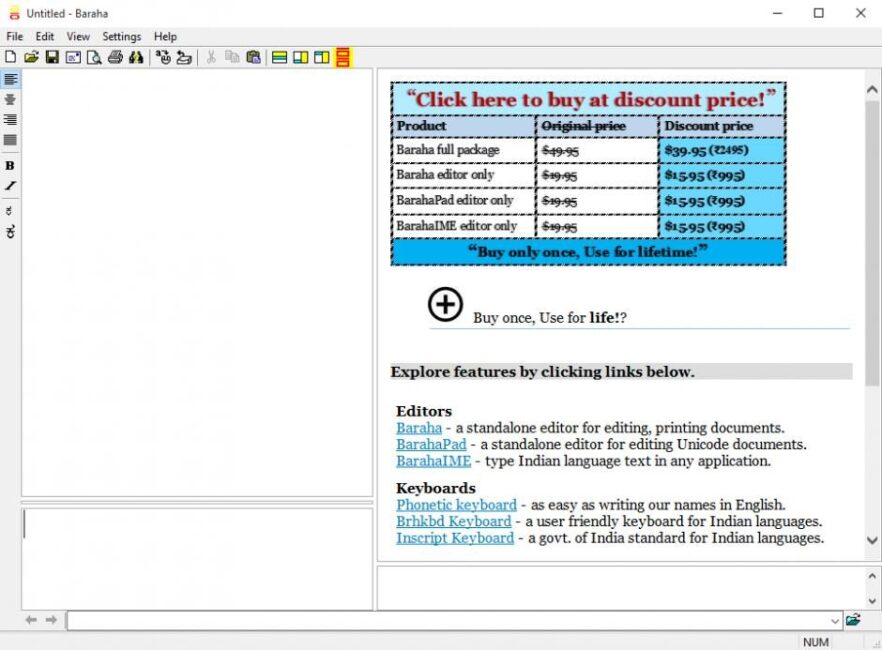
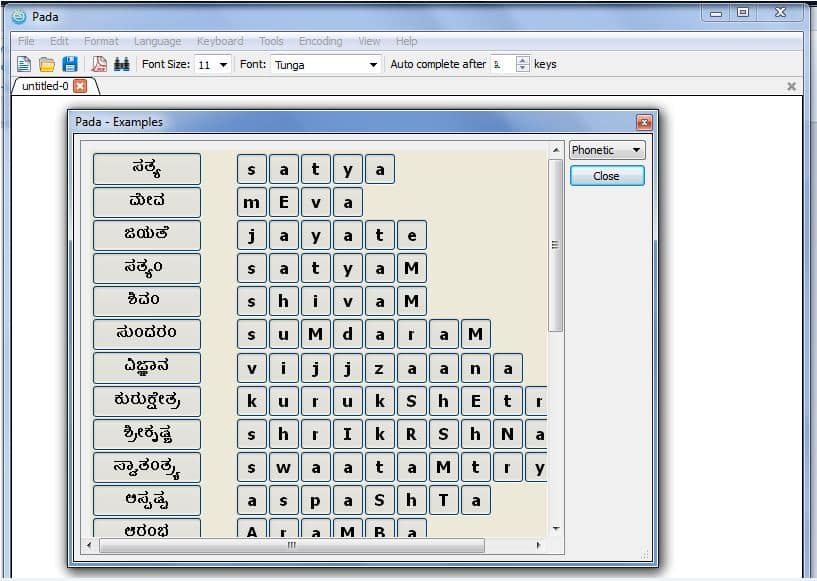
ScreenShots
System Requirements
- Operating System: Windows 7 / 8 / 10 / 11 (32-bit or 64-bit)
- Processor: Intel Pentium or equivalent
- RAM: 1 GB minimum (2 GB recommended)
- Storage: 100 MB of free space
- Display: 1024×768 or higher resolution
- Languages Supported: Kannada (Unicode)
Other Software You May Like
Why I Recommend Nudi 4.0
To be honest, in 2026, many users are forced into using online transliteration tools that require constant internet access. I recommend Nudi 4.0 because it is a robust, offline core that finally proves you don’t need a cloud connection to be a productive writer. It’s more consistent than many browser-based inputs when handling complex Ottakshara (conjunct consonants), and the F12 script toggle is the best I’ve found for rapid administrative work. On the downside, the UI feels very dated and the installation process on Windows 11 can sometimes require manual font copying. However, for any pro serious about Kannada literature and data sovereignty, it’s a vital tool that makes the digital writing process feel much more stable.
Technical Details
- Software Name: Nudi Kannada Software Review
- Version: 4.0 (Classic Stable Build)
- Developer: Kannada Ganaka Parishat (KGP)
- License: Professional Review (Free / Open Source)
- Language: Kannada, English
- OS: Windows (x86/x64)
