

Articulate Storyline 360 is one of the most powerful and intuitive eLearning authoring tools used globally by instructional designers, educators, and training professionals. Part of the Articulate 360 suite, Storyline 360 allows you to create interactive, engaging, and responsive eLearning courses that work seamlessly across all devices.Users designing graphics for course materials may also find Adobe Express Photos 2026 useful for creating visual assets.
The software provides a slide-based workspace that feels familiar to PowerPoint users while offering much more advanced functionality. Developers can build branching scenarios, interactive assessments, screen recordings, drag-and-drop activities, and responsive learning experiences without writing code. Finished courses can be published for learning management systems (LMS) or delivered as web-based content.
The latest Storyline 360 release continues improving accessibility, media handling, performance, and publishing reliability while maintaining compatibility with modern eLearning standards and learning platforms.With its PowerPoint-like interface, robust interactivity options, and SCORM-compliant output, Storyline 360 is widely used for corporate training, educational content development, and certification courses.
Features and Functions of Articulate Storyline 360
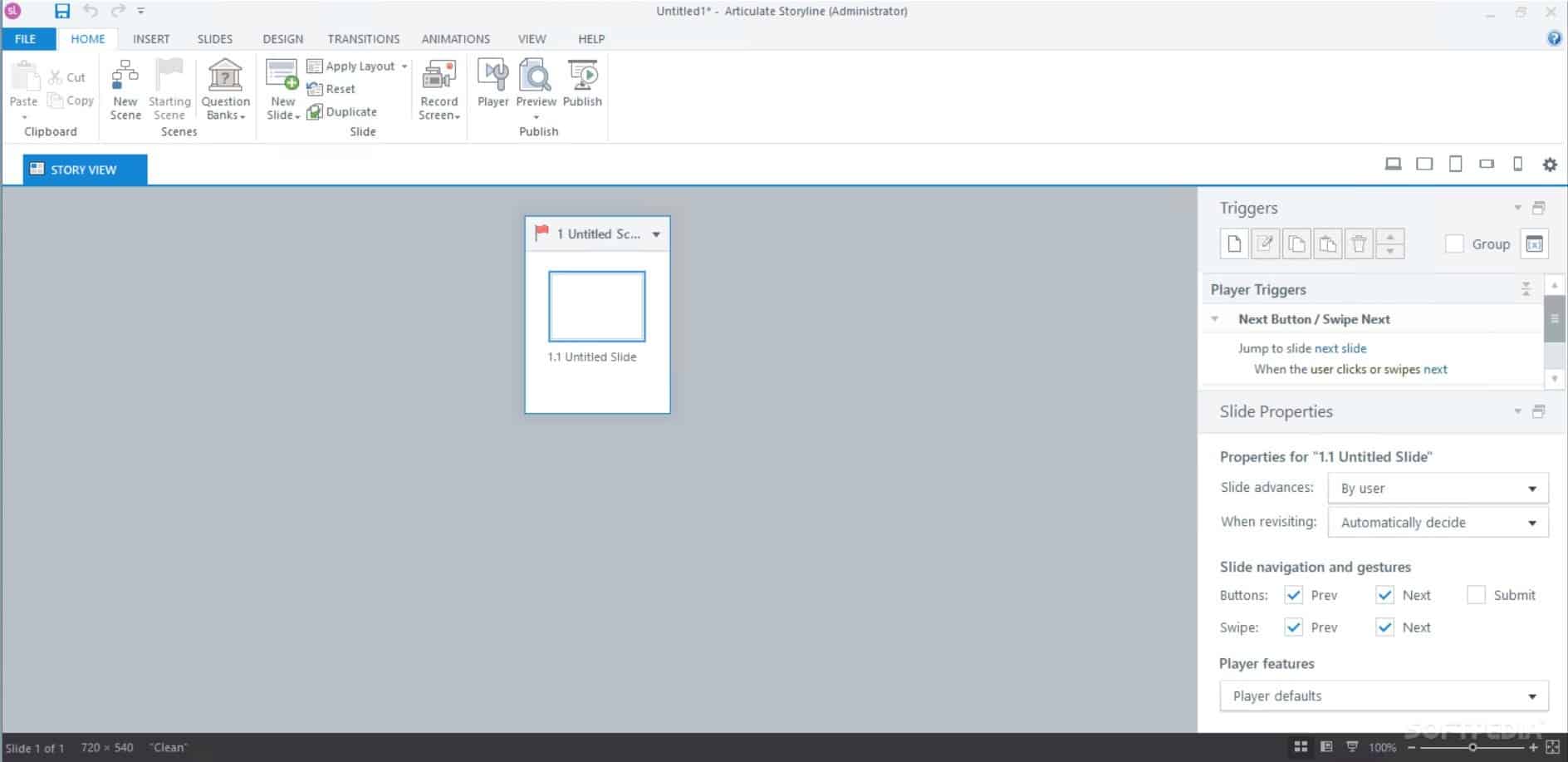
- Intuitive and Familiar User Interface:Storyline 360 is built with a PowerPoint-style interface, making it user-friendly for beginners while offering advanced options for experienced developers. This familiarity helps users quickly adapt and create high-quality eLearning modules.
- Slide-Based Course Creation:You can create courses using a slide-based structure, ideal for organizing lessons, topics, and quizzes in a sequential or branched format. This helps in developing highly structured learning paths.
- Interactive Content and Simulations:Create drag-and-drop interactions, quizzes, software simulations, branching scenarios, and more — without writing a single line of code. These interactions enhance learner engagement and retention.
- Responsive and Mobile-Friendly Design:With built-in responsive player functionality, your Storyline 360 eLearning courses automatically adjust to desktops, tablets, and smartphones. No need for multiple device-specific versions.
- Screen Recording and Software Simulations:Capture screen recordings for step-by-step tutorials or create interactive software simulations to guide users through tools or platforms. Perfect for onboarding or software training.
What’s New in the Latest Version?
- Improved publishing performance for large eLearning projects.
- Updated accessibility features to support modern compliance requirements.
- Better handling of audio, video, and media synchronization.
- Improved stability when working with large question banks and complex branching scenarios.
- General bug fixes and compatibility improvements for current Windows environments.
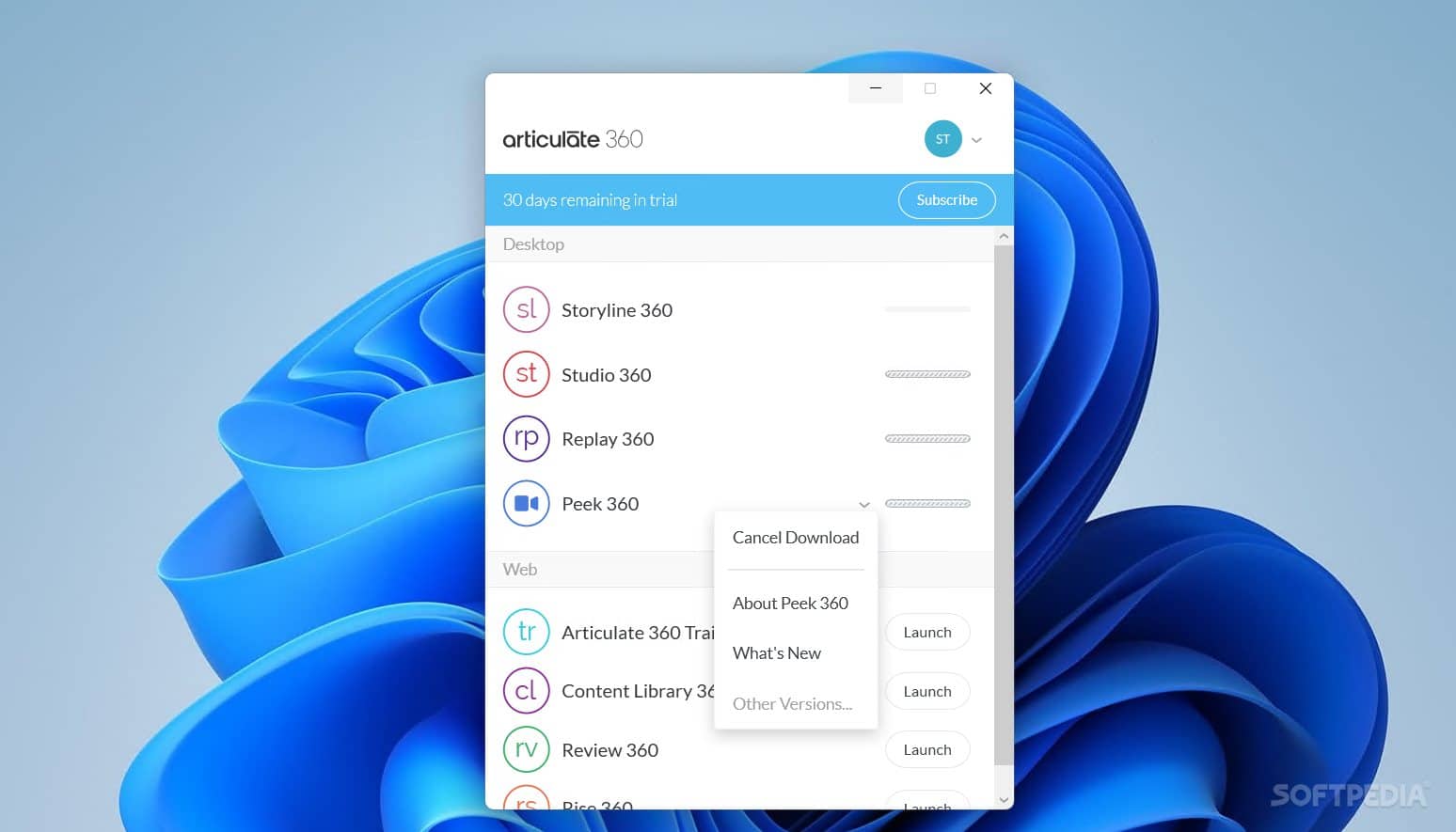
Screen Shots
System Requirements
Supported OS: Windows 10 / Windows 8.1 /Windows 7
Processor: Multi core Intel Series or above, Xeon or AMD equivalent
RAM: 4GB (8GB or more recommended)
Free Hard Disk Space: 470MB or more recommended
Why I Recommend
Articulate Storyline 360 has become one of the most widely used tools in the eLearning industry because it strikes a good balance between flexibility and ease of use. If you’ve previously created presentations in PowerPoint, the interface feels familiar, making the transition much easier than learning a completely different design environment. At the same time, Storyline goes far beyond presentations by allowing you to create interactive lessons, branching scenarios, realistic software simulations, and assessments that respond to learner choices.
One feature I particularly like is the trigger and variable system. Instead of being limited to linear slides, you can build courses where content changes according to user actions, quiz results, or completed activities. Combined with built-in templates and reusable assets, this can significantly reduce development time for corporate training, onboarding programs, compliance courses, and educational content.
The software is aimed primarily at professional instructional designers, so beginners may need some time to learn advanced features such as variables, states, and conditional logic. However, once those concepts become familiar, Storyline 360 offers enough flexibility to build everything from simple training modules to complex interactive learning experiences. Users interested in similar software can browse the complete collection of education tools.
You May Also Like
Technical Details
- Software Name: Articulate Storyline 360
- Developer: Articulate
- Category: eLearning Authoring Software
- License Type: Commercial
- Supported OS: Windows
Download Information
Download | Size: 615 MB | Pass: Mazterize.net

link delete
i will update link today.
link updated